

Rain Bird® F55410 76A-ESP4ME3
Rain Bird® ESP-ME3 Series F55410 Battery Operated Modular Controller, 120 V, 4 to 22 -Station
- Manufacturer: Rain Bird
- Brand Name: Rain Bird®
- Part#: 76A-ESP4ME3
- MPN: F55410
- UPC: 077985075491
- Min. Order Qty: 1
- Qty. Interval: 1
-
 Available at Vero Beach
Available at All Branches
Available at Vero Beach
Available at All Branches
-
Price:
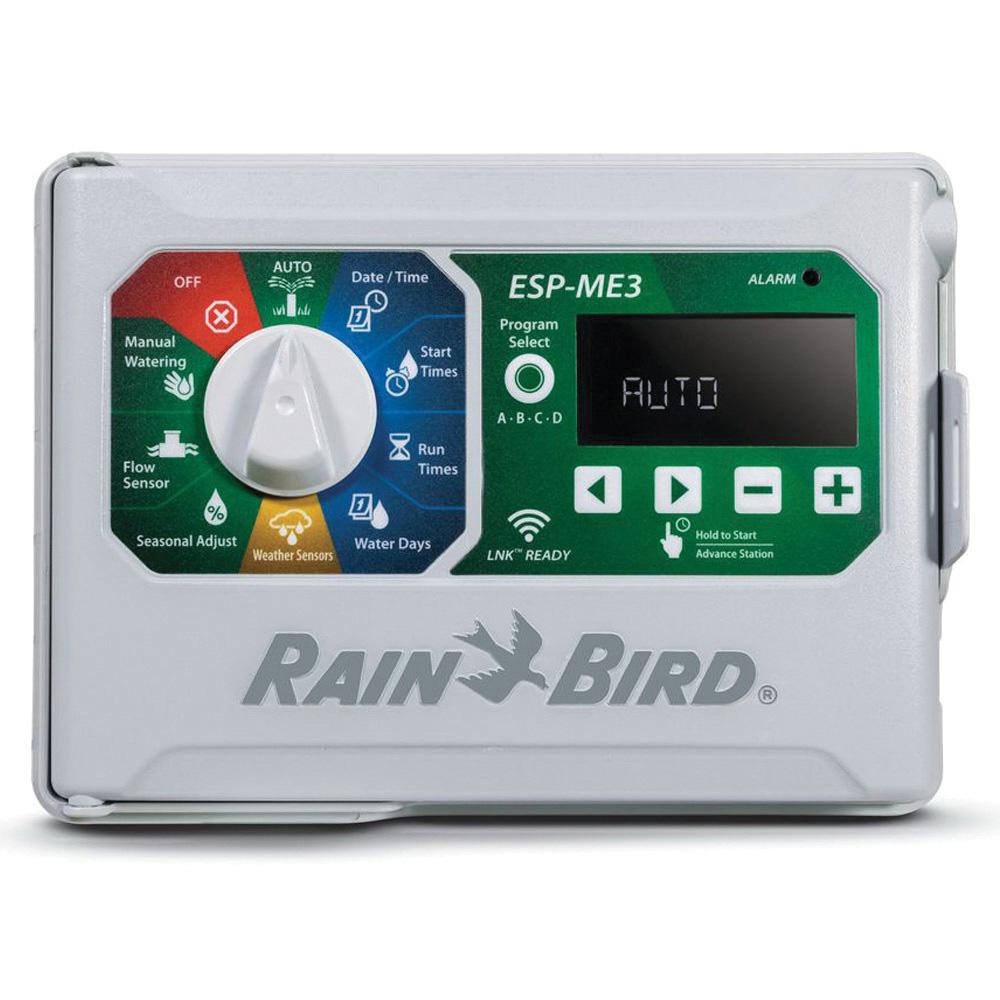
With four to 22 stations, the ESP-ME3 provides the station count options customers need. Install the same controller on residential and light commercial sites. Add station modules when expanding irrigation without removing or even powering down the controller. Upgrade the ESP-ME3 to a smart controller by adding the LNK Wi-Fi module and a WR2 rain sensor. The LNK makes programming and monitoring easy through the enhanced Rain Bird® app.
Rain Bird® Battery Operated Modular Controller, 120 V, 1 A Transformer, 4 to 22 Stations, LCD Display, 7.7 in Length, 10.7 in Width, 4.4 in Depth OUTDOOR
| Depth | : | 4.4 in |
| Display Type | : | LCD |
| Length | : | 7.7 in |
| Number of Stations | : | 4 to 22 |
| Series | : | ESP-ME3 Series |
| Special Order Item | : | N |
| Transformer Rating | : | 1 A |
| Voltage Rating | : | 120 V |
| Width | : | 10.7 in |
- By simply plugging in a Rain Bird® LNK Wi-Fi module, users can access, operate and monitor their irrigation system from anywhere
- Flow monitoring compatible with multiple sizes and makes of wired flow sensors for flow monitoring and notifications to save water and protect against property damage
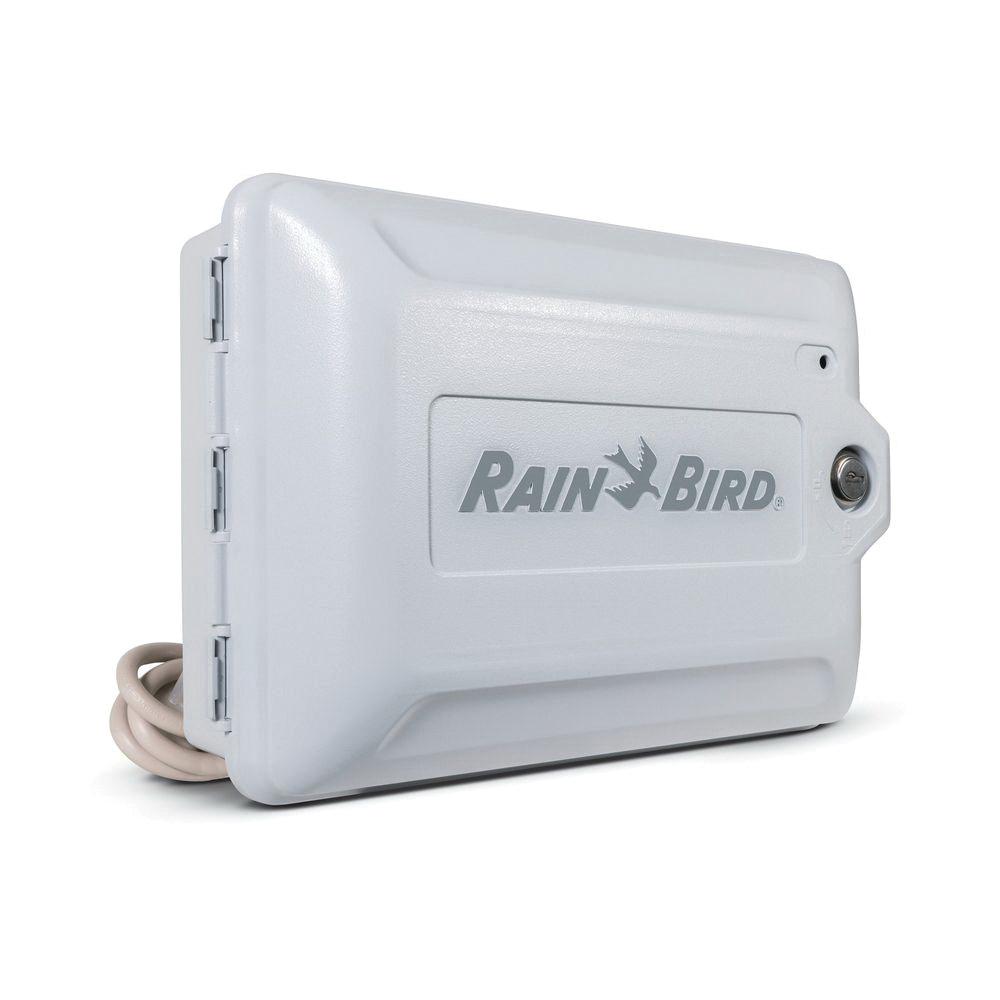
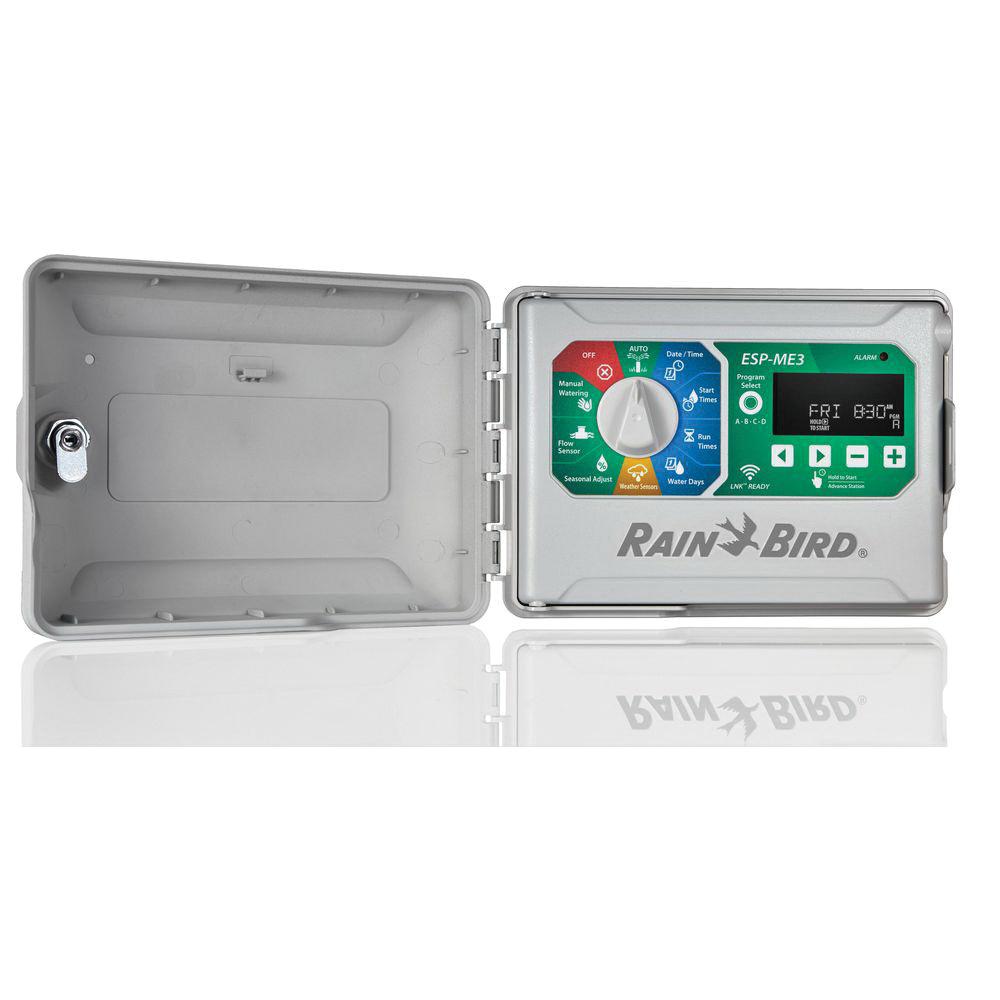
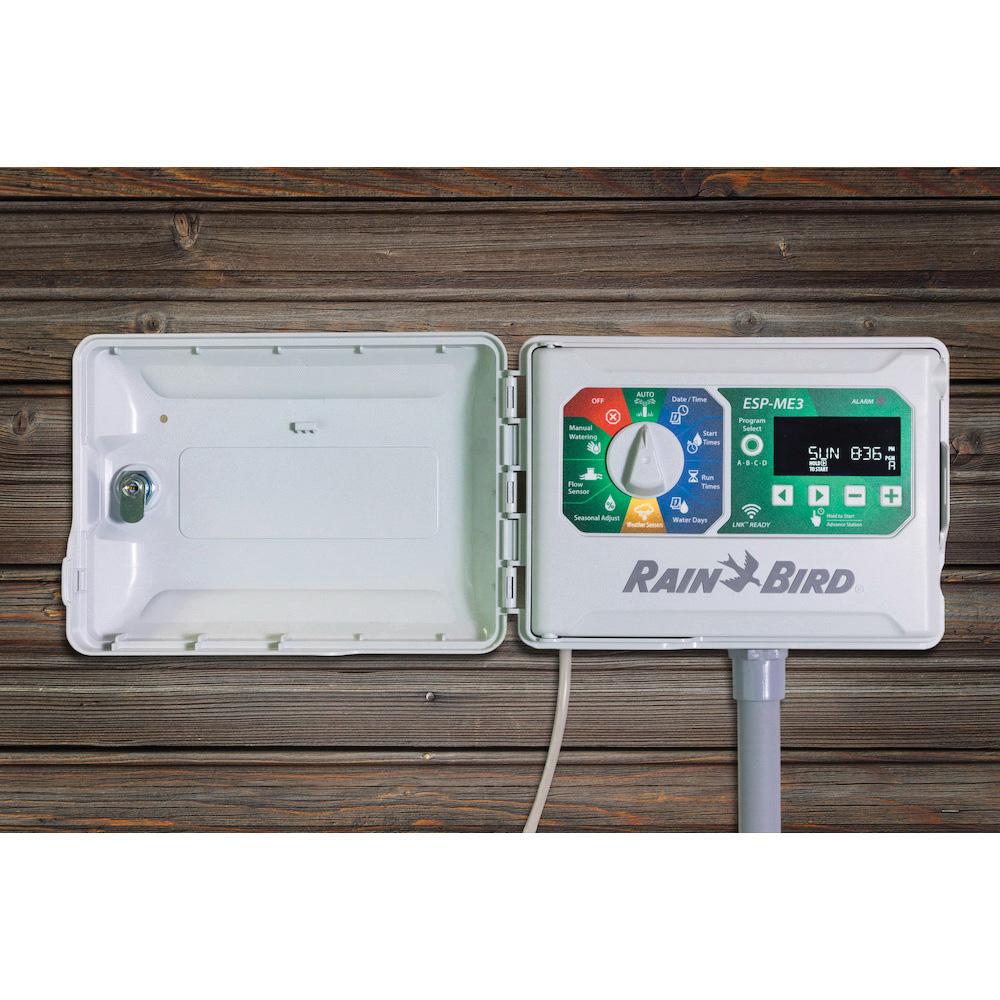
- Flexible installation configurable to 22 stations with additional 3 or six-station modules for different sized jobs or future irrigation needs, comes with power plug and outdoor cabinet for indoor or outdoor installation
- Simplified dial programming large text and symbols make the color-coded dial positions easy to understand and explain
- Easy-to-read screen - large 3 in backlit screen is clear to read in dark garages or sheds
- Bypass the rain sensor for stations under an eave or deck or in a greenhouse for consistent watering
- Seasonal adjust by program save water by changing the seasonal adjust from 5 to 200% for corrected runtimes without changing the scheduled times
- Be alerted of system issues including electrical, programming or high-flow (when using a flow sensor) through a red LED and scrolling messages coupled with mobile device alerts when used with the LNK Wi-Fi module and the Rain Bird® app
- One touch watering with the dial in the auto-position, just press and hold the right arrow button to start manually watering the current program
- Contractor default - simply save a default program and if the original watering schedule is overwritten in error, easily restore it in just two steps
 Owners/User Manual